
Dirty battery terminals can reduce electrical performance, make charging less efficient, and eventually contribute to starting or range problems. Lead-acid golf cart batteries are especially prone to corrosion around their terminals because gases and moisture can react with the metal connections over time. Regular cleaning helps keep those connections secure and makes it easier to spot leaks, damaged cables, or other problems before they become expensive repairs.
If you are wondering how to clean golf cart batteries, begin by turning the cart off, disconnecting the charger, and protecting yourself with gloves and eye protection. Remove loose dirt, neutralize corrosion carefully, clean the terminals and battery tops, dry everything thoroughly, and reconnect the cables correctly. Never allow cleaning liquid to enter battery cells.
Knowing how to clean golf cart batteries safely is just as important as getting the terminals clean. Batteries contain stored electrical energy, and flooded lead-acid batteries also contain corrosive electrolyte. A careful process protects both you and the golf cart.
Gather The Right Supplies Before Cleaning
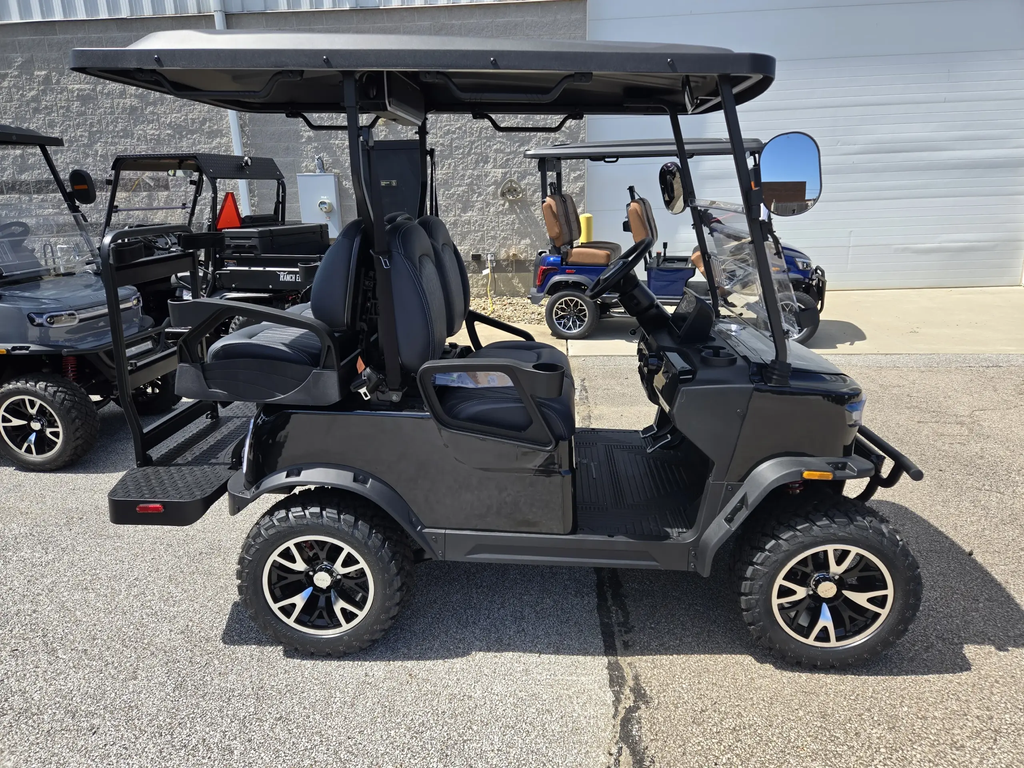
Before learning how to clean golf cart batteries, gather everything you need so you do not have to stop halfway through the job. Useful supplies include safety glasses, chemical-resistant gloves, a soft brush, an old toothbrush or dedicated battery-terminal brush, clean water, baking soda, disposable towels, and basic hand tools for removing battery cables when necessary. A small plastic container can be used to mix a mild baking-soda cleaning solution for exterior surfaces.
Avoid using metal brushes aggressively around exposed electrical connections because a dropped or misplaced metal tool can create a short circuit. Keep jewelry, watches, rings, and other conductive objects away from the battery compartment. Work in a ventilated area and keep cigarettes, sparks, and open flames away. Before touching anything, inspect the compartment for cracked battery cases, severe swelling, leaking fluid, melted terminals, or damaged cables. If you notice major physical damage, stop the cleaning process and have the system inspected before continuing.
Turn Off The Cart And Disconnect Power Safely
One of the most important parts of how to clean golf cart batteries is making sure the electrical system is inactive before you start. Park the cart on a level surface, set the parking brake, turn the key off, remove it, and disconnect the charger from both the cart and electrical outlet. Accessories such as lights, radios, or USB devices should also be switched off.
Before cleaning, park the cart on a level surface, set the parking brake, turn the key off, and disconnect the charger. Keep sparks, cigarettes, and open flames away from the battery compartment. The Canadian Centre for Occupational Health and Safety recommends good ventilation around lead-acid batteries because they can release hydrogen gas during operation and charging. Protective eyewear and suitable gloves are also recommended when working around battery electrolyte.
Remove Dirt From The Battery Compartment
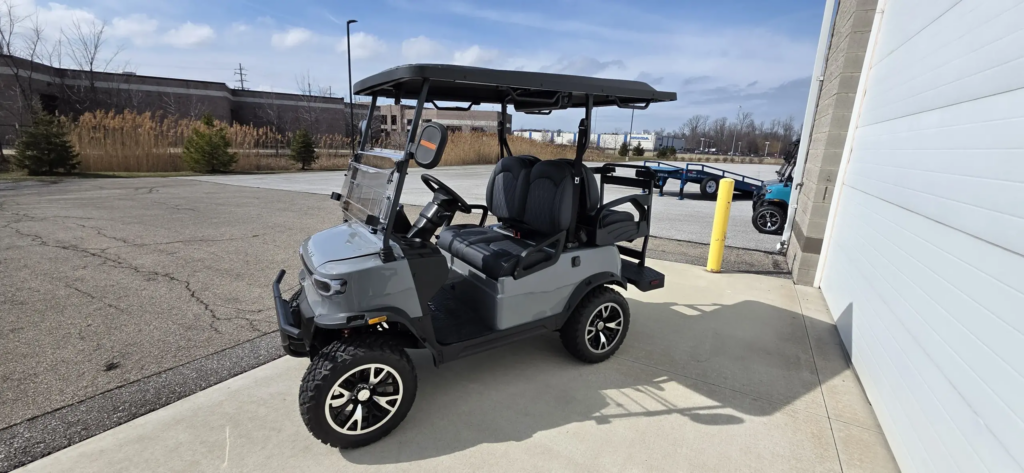
The next step in how to clean golf cart batteries is removing loose dirt before treating corrosion. Dust, grass, mud, leaves, and other debris often collect around battery trays, cables, and hold-down brackets. Use a dry brush or disposable towel to remove loose material carefully. Avoid aggressively blowing dirt around the compartment because debris can end up inside electrical components or battery vents.
Once loose debris is removed, inspect the battery tops closely. Dirt mixed with moisture can create a conductive path across battery surfaces, while heavy grime can hide small cracks, leaks, or developing corrosion. Keep vent caps securely closed on flooded batteries while cleaning the exterior. Do not spray large amounts of water directly across the compartment or use a pressure washer. The goal is controlled cleaning rather than soaking electrical components. Cleaning the surrounding tray at the same time makes future inspections easier and helps you spot fresh leaks or corrosion much sooner.
Clean Corrosion From Battery Terminals
Terminal corrosion is usually the main reason owners research how to clean golf cart batteries. White, blue, or greenish buildup around terminals and cable ends can increase electrical resistance and interfere with charging and power delivery. A mild baking-soda solution can help neutralize acidic residue on the outside of lead-acid batteries. Apply it carefully to affected exterior areas without allowing the mixture to enter battery cells.
Use a small brush to loosen corrosion around the terminals and cable ends. Work gradually rather than scraping aggressively. Once the buildup has loosened, wipe the area clean and use a small amount of clean water to remove remaining residue. Keep liquid away from open battery cells and sensitive electrical components. If a terminal is badly damaged, loose inside the battery case, melted, or surrounded by severe corrosion that quickly returns, cleaning alone may not solve the problem. That can indicate a leaking seal, damaged cable, loose connection, or charging issue that needs further inspection.
Dry And Reconnect The Battery Cables Properly
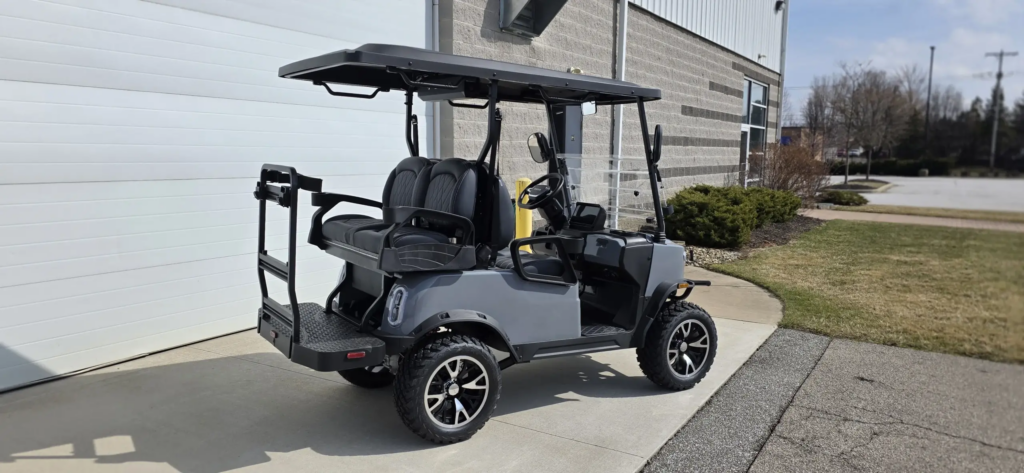
Cleaning is not finished until everything is completely dry. After learning how to clean golf cart batteries, many owners make the mistake of reconnecting cables while moisture remains around the terminals. Use clean towels to dry the battery tops, terminals, cable ends, and surrounding tray. Allow additional air-drying time if necessary before reconnecting anything.
Inspect every cable before installation. Look for damaged insulation, cracked terminal ends, excessive stiffness, burned areas, or corrosion that has traveled underneath the cable insulation. Connections should be clean and secure, but terminal hardware should not be overtightened because excessive force can damage battery posts. Reconnect cables according to the correct sequence and your original photograph or wiring diagram. Afterward, verify that no cable is loose or positioned where it can rub against another component. Proper connections are an important part of battery maintenance because even a clean battery pack can perform poorly when electrical resistance develops at loose or damaged connections.
Check Water Levels On Flooded Lead-Acid Batteries
Knowing how to clean golf cart batteries also provides a good opportunity to check the electrolyte level in serviceable flooded lead-acid batteries. However, cleaning and watering are separate maintenance tasks. Never pour baking soda, cleaning chemicals, or tap water into battery cells. Only distilled water should normally be used when the battery manufacturer specifies that water needs to be added.
The correct water level matters because exposed plates can suffer damage, while overfilling can cause electrolyte to escape during charging. Check the battery manufacturer’s instructions for the proper level and timing. Our guide on how to maintain golf cart batteries covers terminal inspections, watering, charging, and other routine maintenance in more detail. Lithium, AGM, and other sealed batteries should not be opened or watered like traditional flooded batteries. Always identify the battery chemistry before performing maintenance because procedures that are appropriate for one battery type may damage another.
Prevent Corrosion From Coming Back Quickly
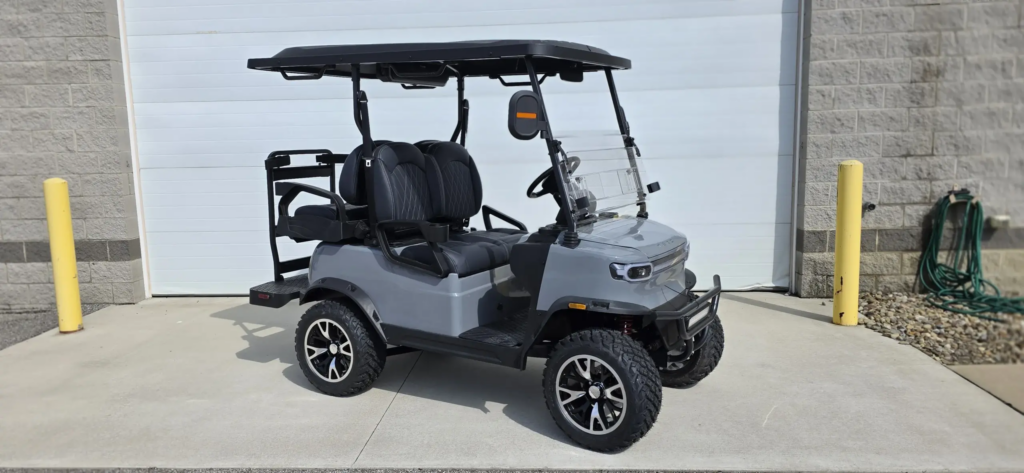
Once you understand how to clean golf cart batteries, prevention becomes much easier. Inspect the battery compartment regularly rather than waiting until heavy corrosion covers the terminals. Monthly visual checks can reveal loose cables, developing residue, damaged insulation, or moisture before they create noticeable performance problems. Keeping the battery tops clean and dry also makes new corrosion easier to recognize.
Charging habits can influence battery condition as well. Use the charger designed for the cart’s voltage and battery chemistry, and investigate batteries that repeatedly become unusually hot, vent excessively, or develop heavy corrosion soon after cleaning. Those symptoms can indicate more than normal maintenance needs. Terminal protectant approved for battery connections may also help slow future corrosion after the terminals are clean and dry. Avoid coating dirty connections because protective products should not trap contamination between electrical contact surfaces. Good maintenance combines clean connections, proper charging, correct water levels where applicable, and regular inspection rather than relying on cleaning alone.
Know When Cleaning Is Not Enough
Learning how to clean golf cart batteries can solve problems caused by dirt and minor terminal corrosion, but cleaning cannot repair a failing battery. Batteries that are swollen, cracked, leaking, unable to hold a charge, or repeatedly losing range need further testing. A badly corroded terminal that becomes dirty again shortly after cleaning may also indicate a leaking seal or another underlying problem.
Pay attention to how the cart behaves after maintenance. Slow acceleration, reduced driving range, unusually long charging times, hot cables, or inconsistent power can point to battery or charging-system problems beyond ordinary cleaning. The Mentor Golf Carts & Trailers Service Department can inspect batteries, cables, chargers, and related electrical components when routine maintenance does not restore reliable performance. Understanding how to clean golf cart batteries correctly helps extend service life, but knowing when to stop cleaning and seek proper testing can prevent unnecessary repairs and avoid replacing the wrong components.